Loop Tag
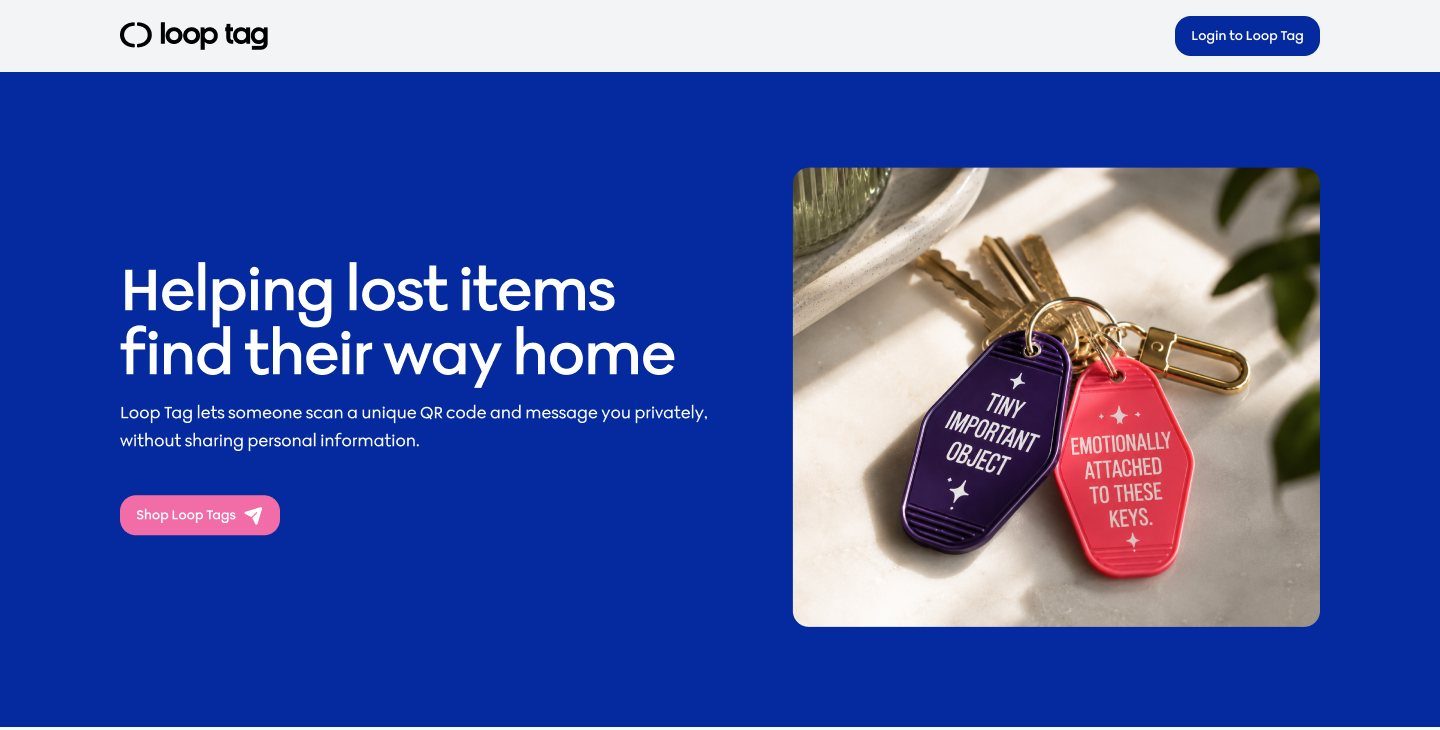
A QR tag and app I designed so anyone can return a lost item, without the owner or the finder sharing a name, number or email.
- Product flows
- Information architecture
- iOS app: owner flows
- Finder web page
- Escalation by SMS
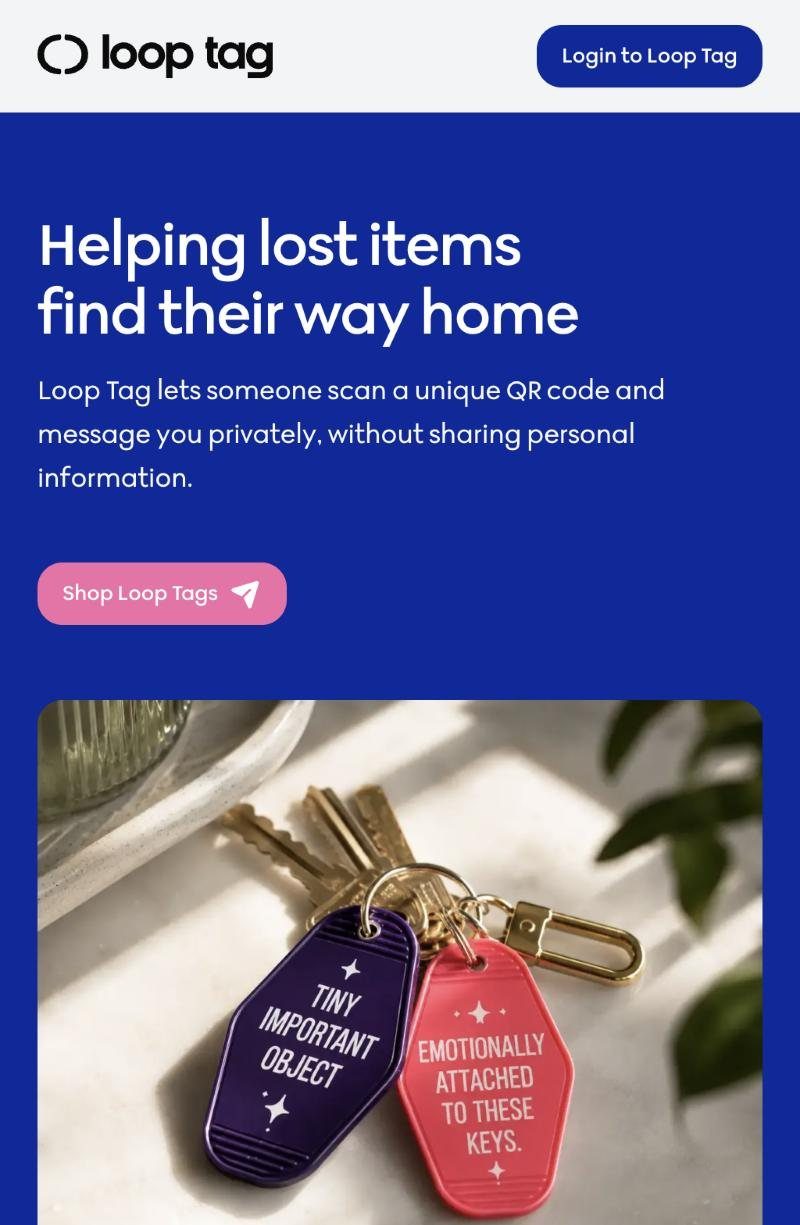
- Landing page and How it works page
The idea
Loop started with a simple question: if someone finds your bag, how do they get it back to you? Most people write their phone number on a luggage tag, which hands it to anyone who picks the bag up. Loop swaps the number for a QR code. A finder scans it, sends you a message, and you sort out the return in a private chat.
The problem
Finders want to help, but they won't download an app or make an account to do it. Owners want their stuff back, but not at the cost of putting their details on a tag. And if the owner doesn't reply in time, the item can sit in a lost-and-found and never come home.
The solution
I designed Loop around three people:
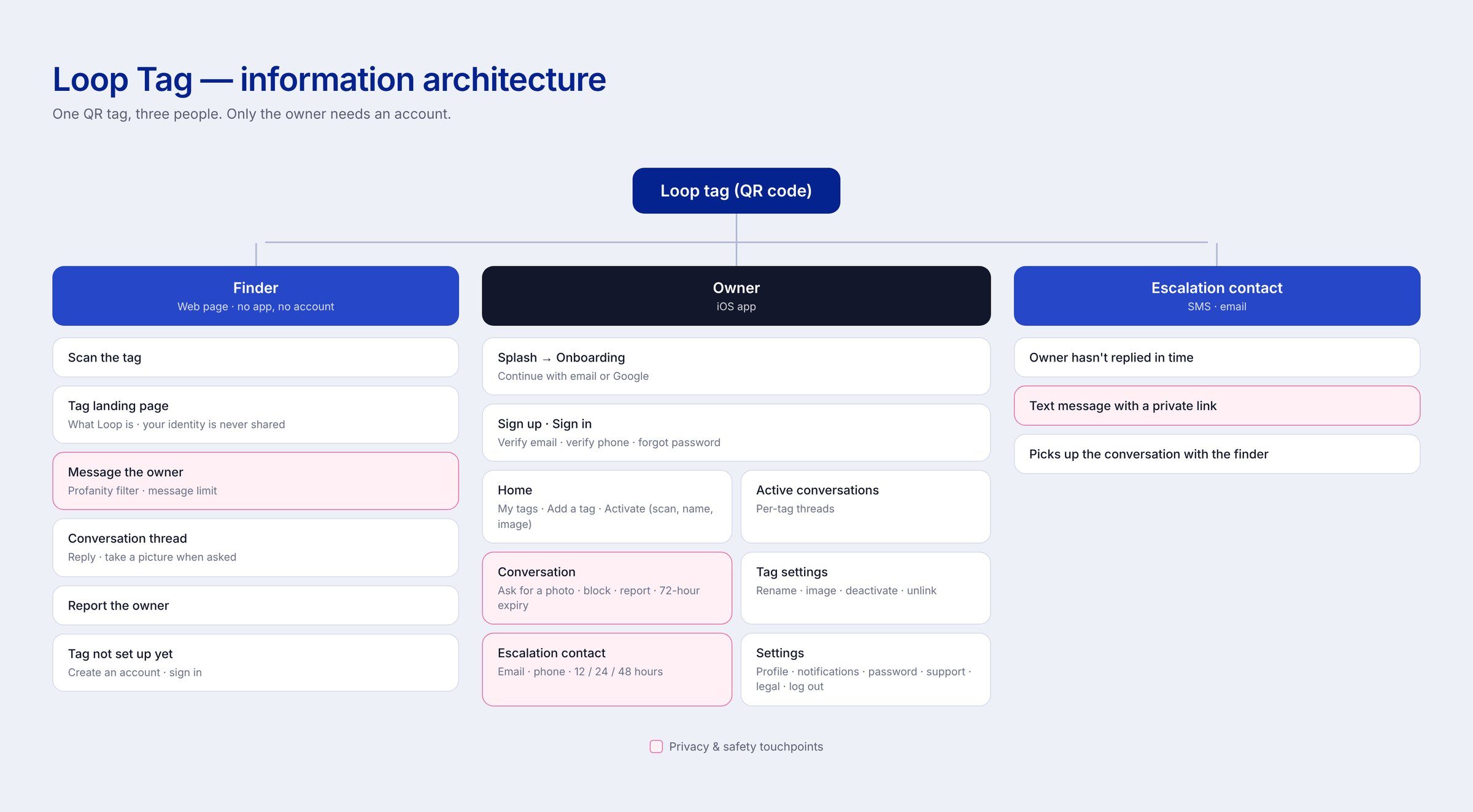
- The finder scans the tag and lands on a web page. No app, no sign up. They type a message and that's it.
- The owner gets the message in the app, chats with the finder, and can ask for a photo to check it's really their item.
- An escalation contact, a friend or family member the owner picks, gets a text if the owner doesn't reply in time, so the item still gets home.
Nobody's name, number or email is ever shown, and every conversation closes on its own after 72 hours.
Information architecture
I mapped every flow in FigJam before designing a screen. Only the owner needs an account, so the app holds everything, and the finder and escalation contact each get one short path.
Getting started
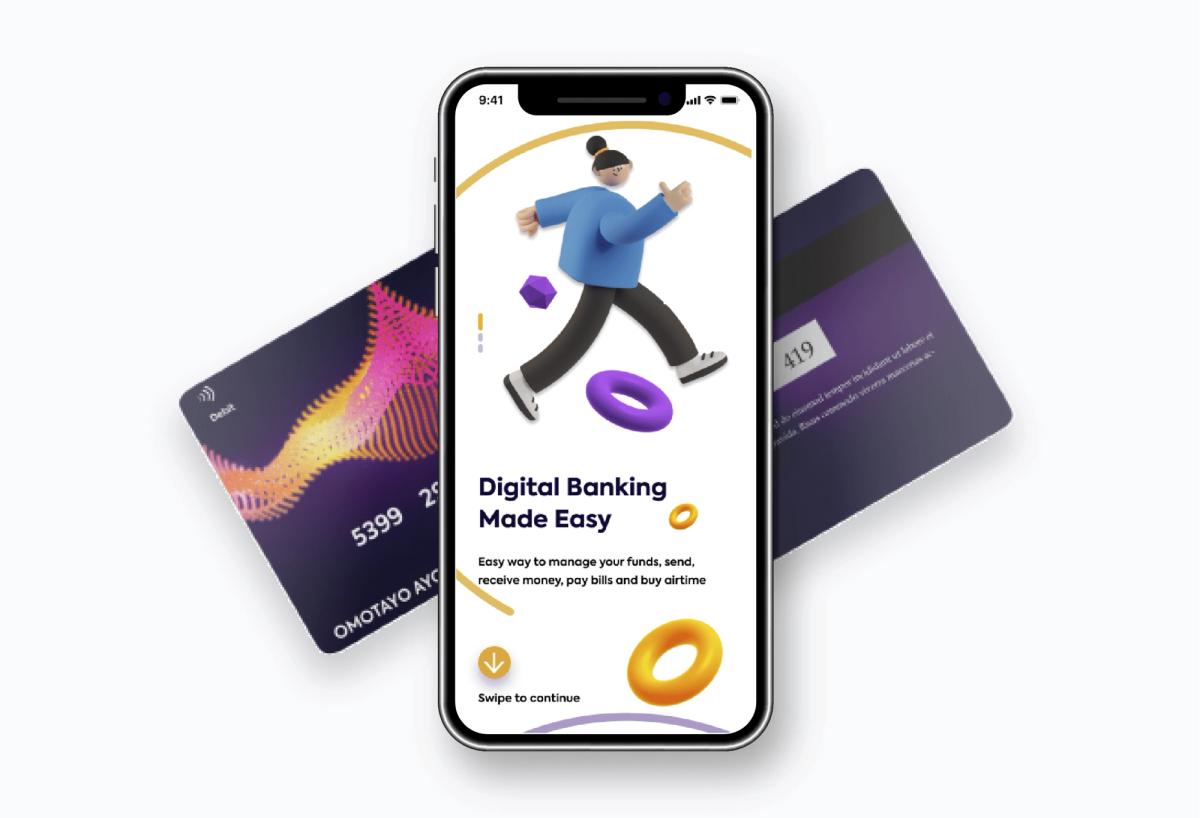
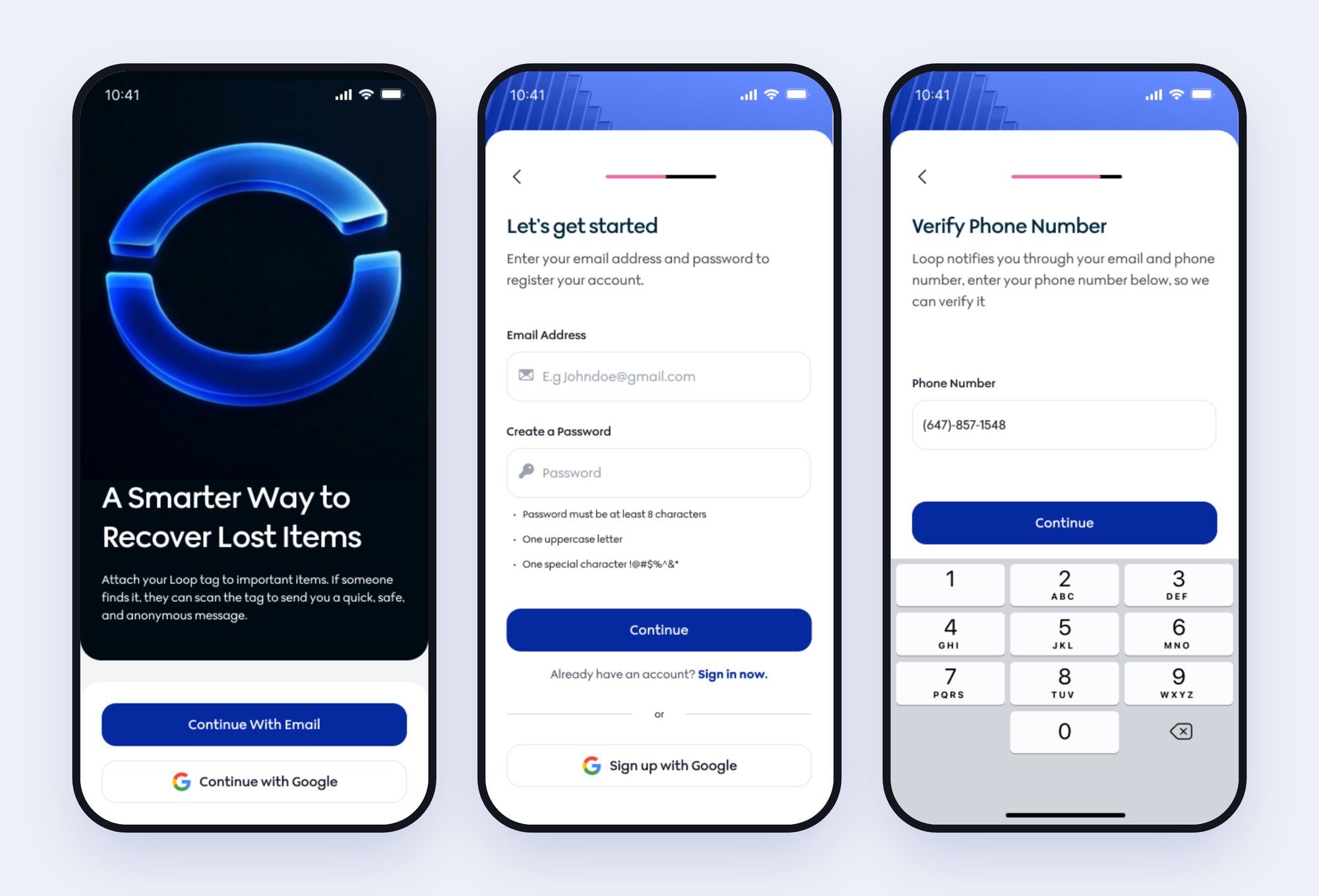
Onboarding is one screen with one promise: a smarter way to recover lost items. You sign up with email or Google, then verify your email and phone so Loop can reach you when something is found.
Activating a tag
Adding a tag takes four steps: scan the QR code, give it a nickname, pick a photo or an emoji, done. The emoji was a small thing I liked, it makes a list of tags easy to scan.
When someone finds it
This is the finder's side, and it runs in the browser. The page says what Loop is, promises their details stay private, and gives them one button. If anything feels off, either person can report the other.
The conversation
On the owner's side, each tag has its own conversations. A banner reminds both people not to share personal details. Owners can ask for a photo before they go and meet a stranger, and when the chat goes quiet for 72 hours it expires.
Escalation contacts
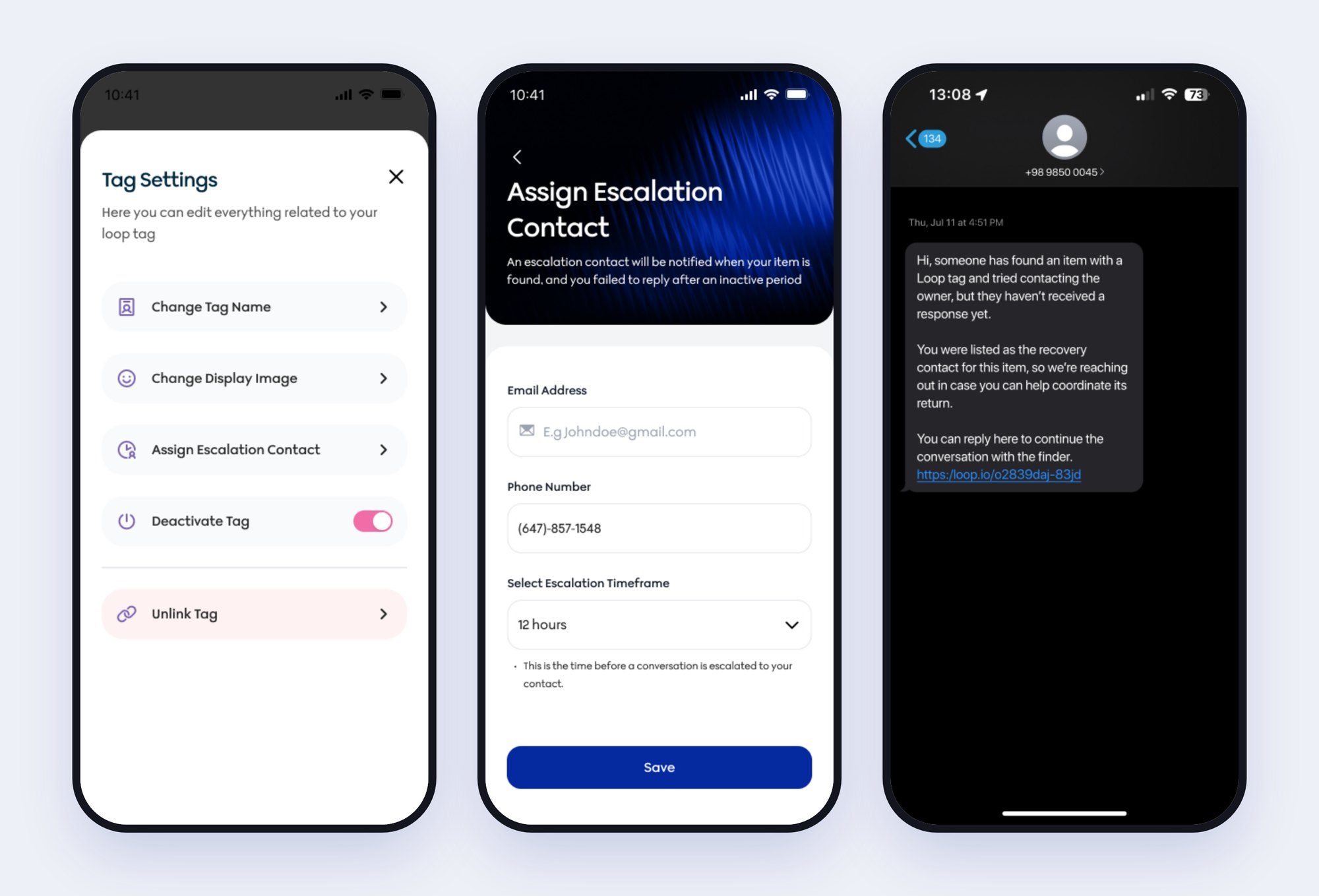
I added escalation contacts for owners who might miss a message, like someone on a flight. In tag settings you add a contact and pick 12, 24 or 48 hours. If you haven't replied by then, they get a text with a private link and can take over the chat.
Settings and edge cases
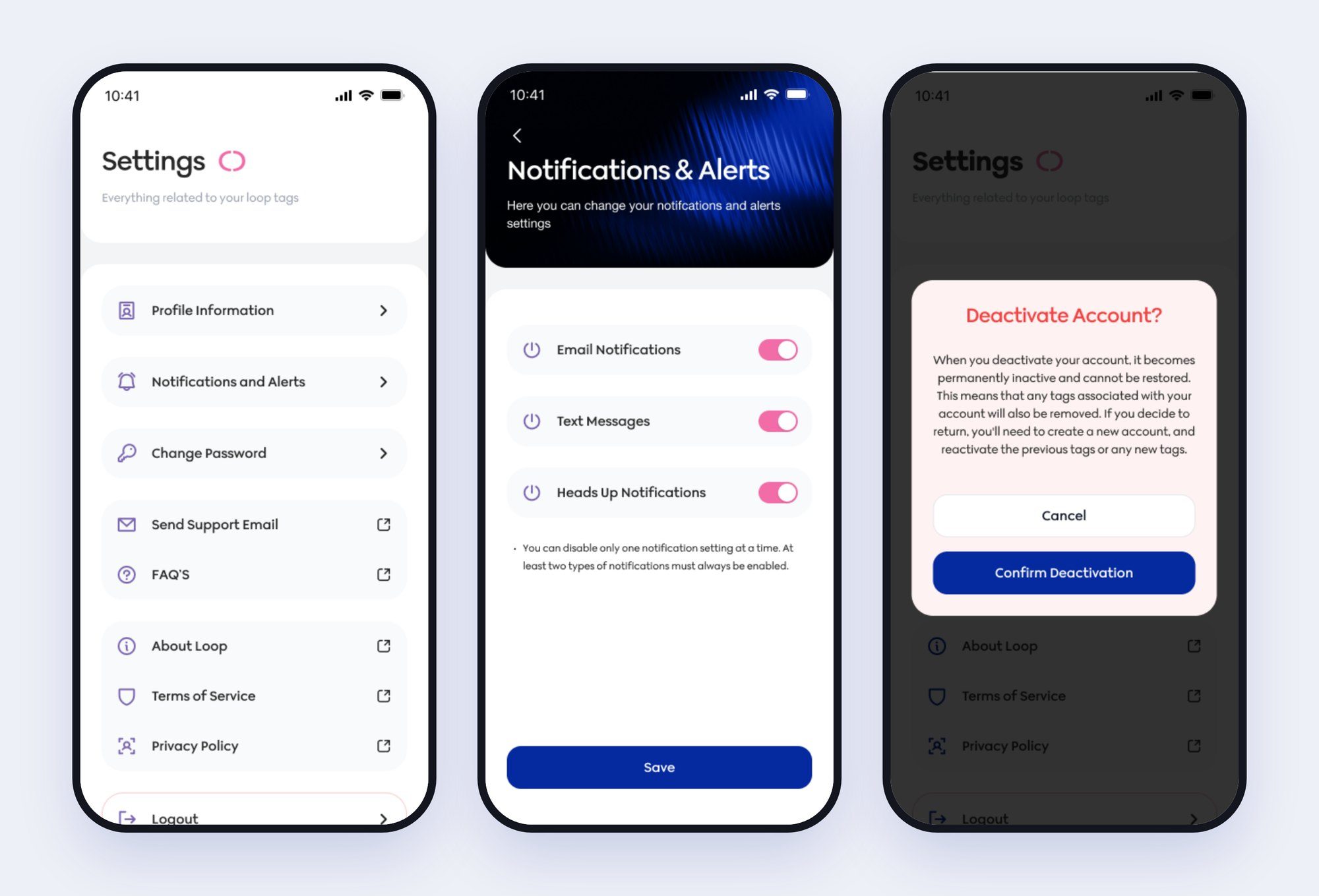
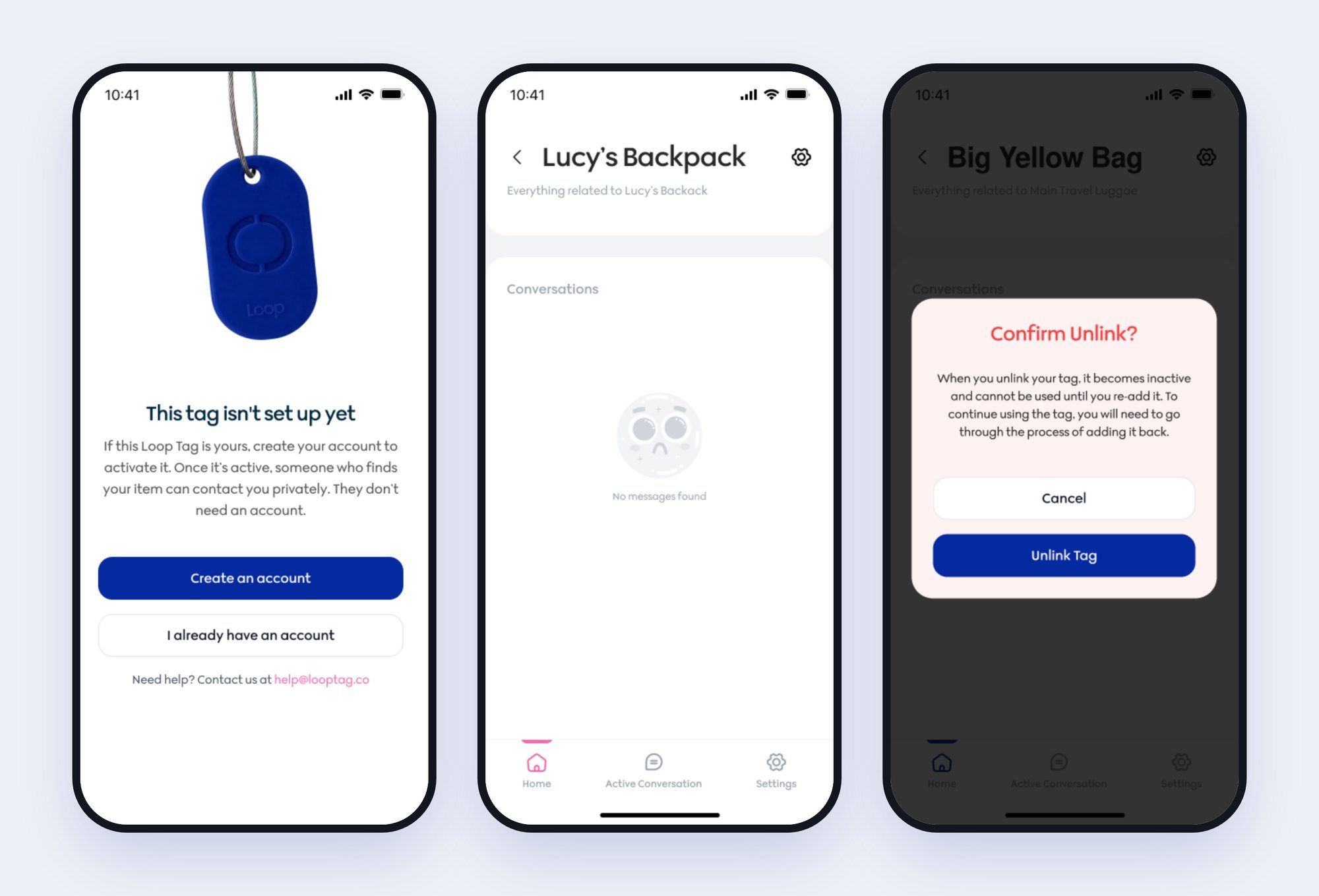
Settings covers the rest: profile, notifications, password and support. Destructive actions, like unlinking a tag or deactivating your account, get a clear warning first. I also designed the in-between states, like a tag that hasn't been set up yet or a tag with no messages.
The website
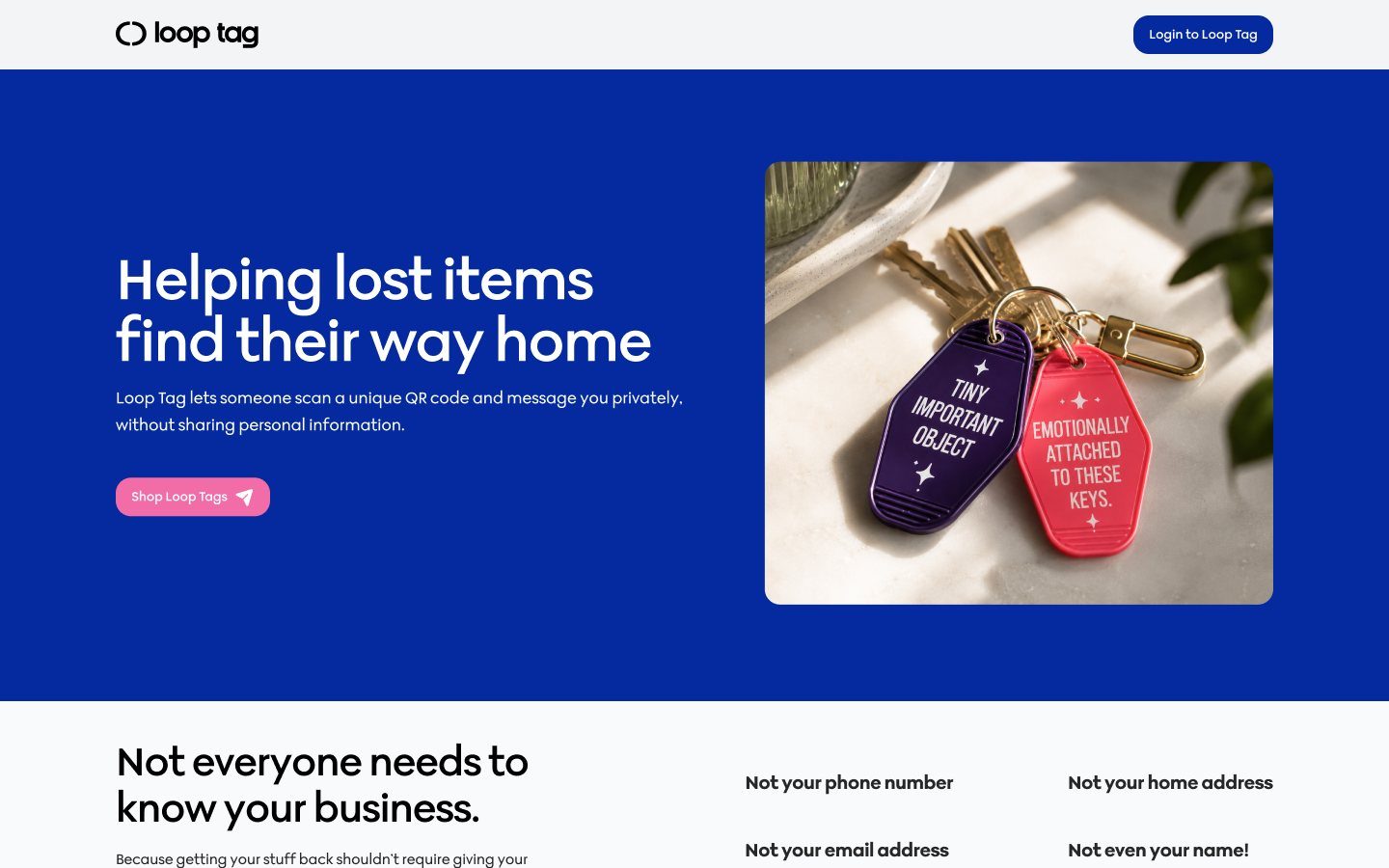
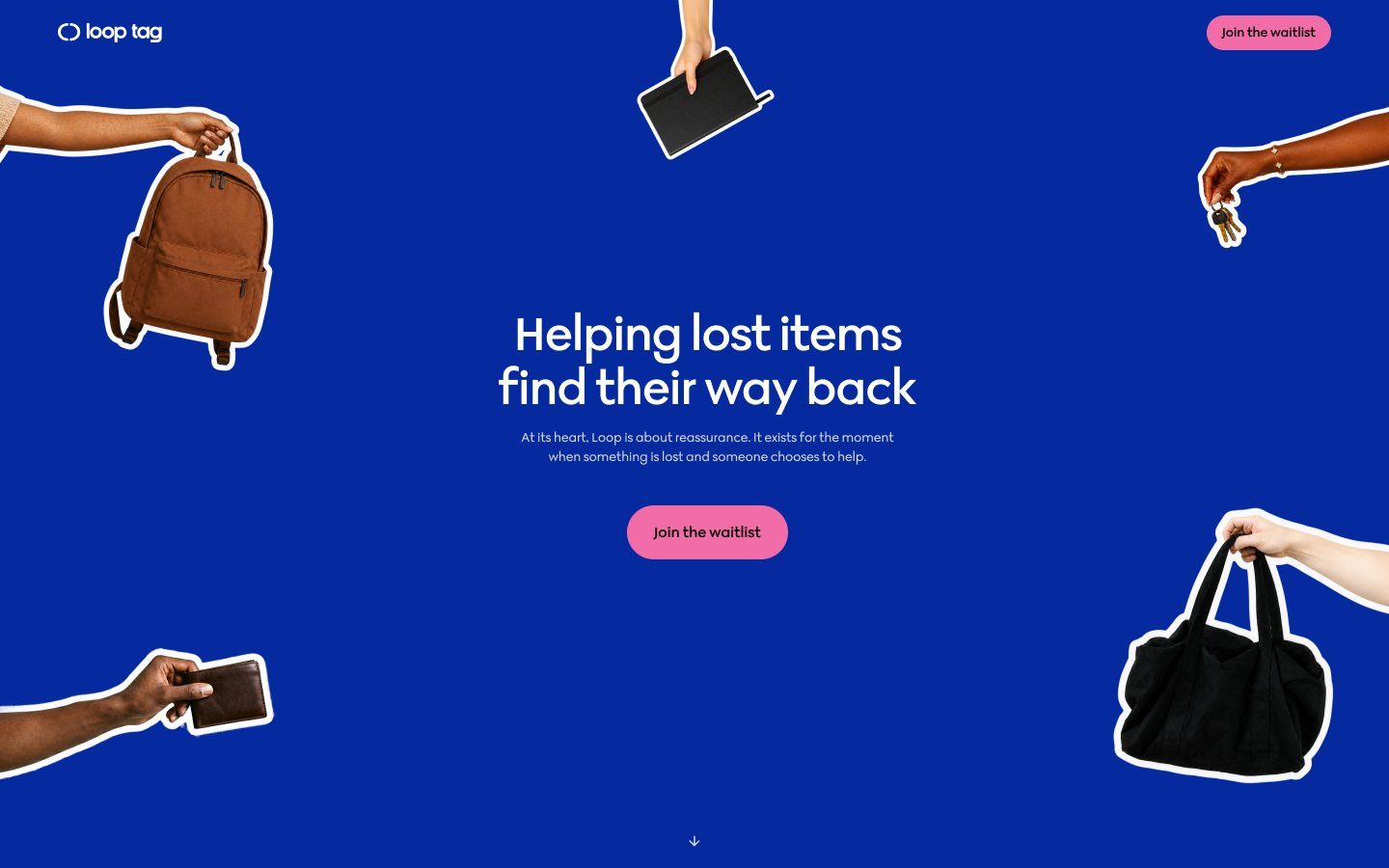
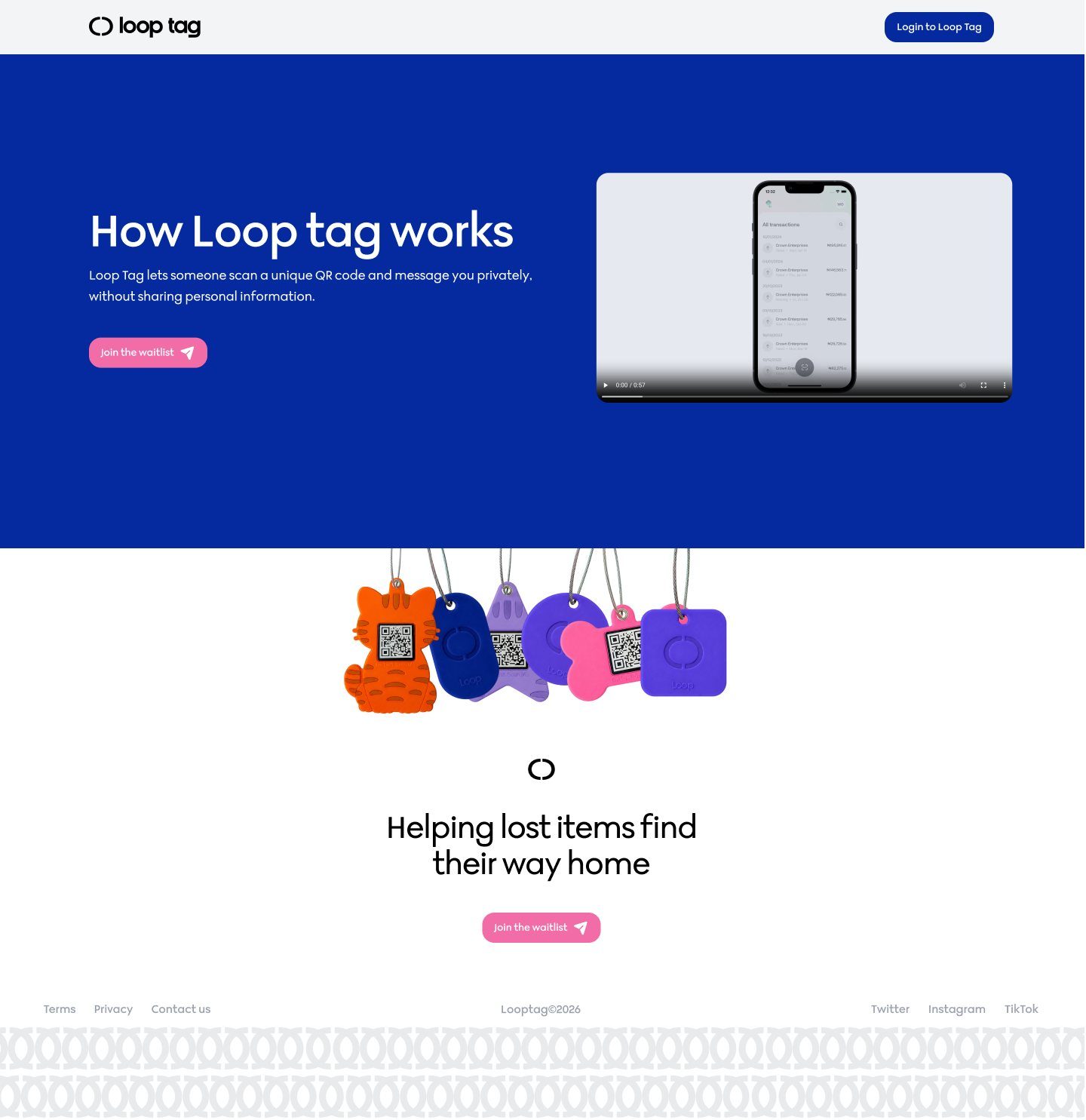
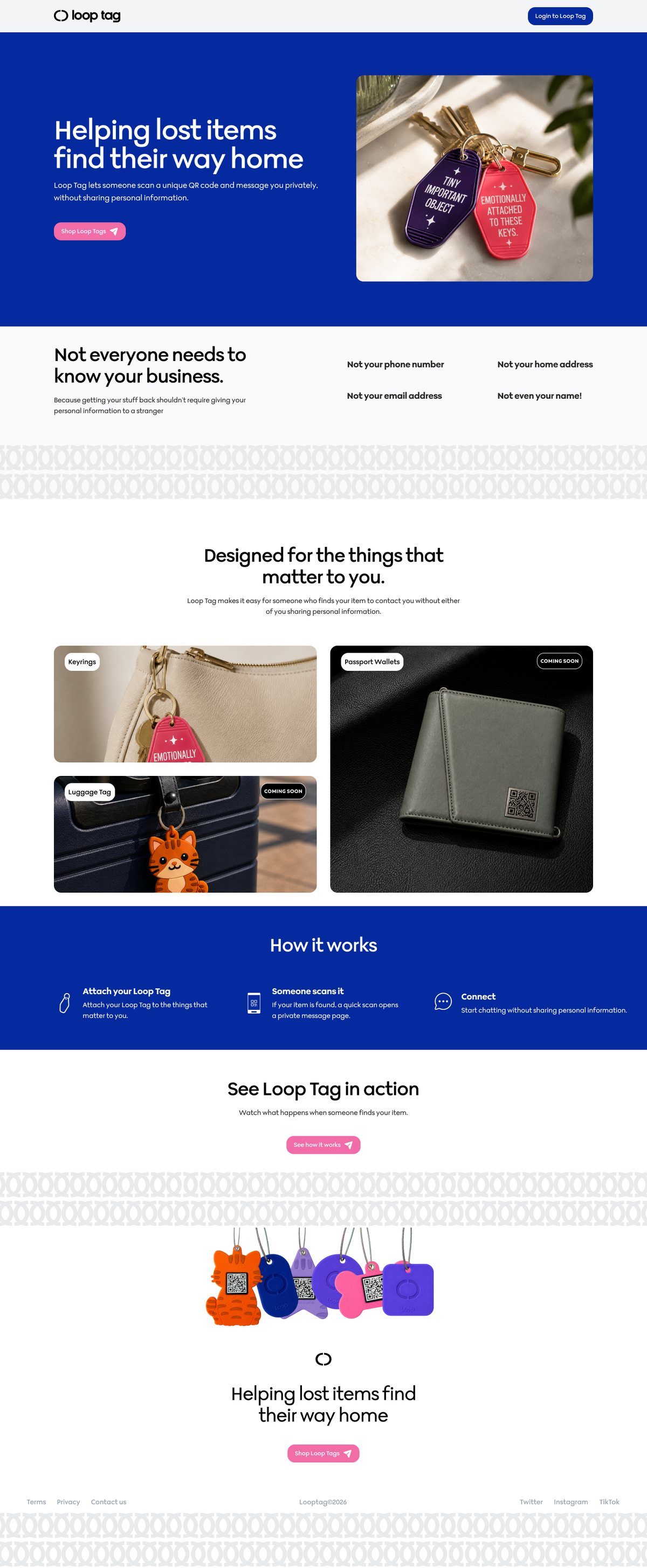
I designed the site too, from the waitlist page we launched with to the live store, plus a How it works page that walks through the three steps.